
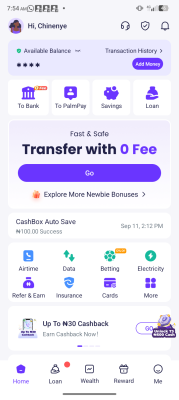
Palmpay App SIGNUP, CLAIM COUPON CODE
Read carefully before you start this task
NEW USER register Palmpay SIGNUP fast approval
Task Instructions:
1. Download the palmpay app by clicking link below on Google play store.
https://play.google.com/store/apps/details?id=com.transsnet.palmpay
2. After it has downloaded, To register as a NEW USER Tap on the app to open it. As a new user Enter a new phone number, that has not been registered on palmpay before Then carefully look Under, You would see Enter INVITATION CODE , click on it.
3. Enter my referral code: LZMS2317 and then click on SIGNUP ( Screenshot before you click signup)
4. After registration, tap on Claim coupon code to received the #100 coupon code.
5. Then you need to fund your account with #100 and screenshot your dashboard with the funds there. ( You can use withdraw it out later)
⚠️ IMPORTANT PAYMENT RULE:
If the two screenshots are not clear or I cannot verify that my referral code LZMS2317 was used, the task will not be approved and payment will not be made.