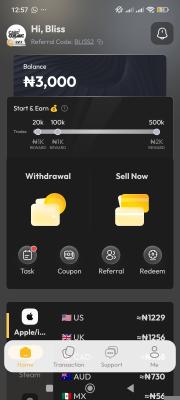

Download sign up and do face verification instant approval in minutes
WARNING: Read all steps carefully. If you do not complete the Face Verification, your task will be REJECTED immediately.Click this link to download and install the Gemgala app: [Jump into Gemgala with me! Let's have some fun. 🎯:
https://getblock.me/u/27837612]Open the app and log in using your Google account or Phone number.Ensure my referral code is bound to your account (Check the "Invite" or "Profile" tab to confirm).Go to your Profile / Settings and complete the Face Verification (KYC). It takes less than 2 minutes to complete.Do not delete the app for at least 24 hours and also play the game for 2 minutes I approve fast.
To get approved and paid, you MUST upload the following two screenshots:Screenshot 1: A screenshot of your Gemgala profile page clearly showing your ID number and the "Face Verified" status badge.Screenshot 2: A screenshot showing that you bound my referral link/code also submit ur id number very important.Note: Fake, edited, or cropped screenshots will be reported, and you will be blocked from my future jobs