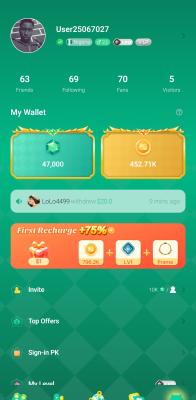
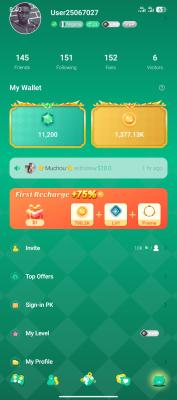
Gemgala app
⚠️ CRITICAL WARNING ⚠️
If you have ever downloaded, or used the Gemgala app on your phone before, DO NOT do this job.
- ❌ New users only.
- ❌ Do not create multiple accounts on the same device.
- ❌ Do not submit fake or edited proof.
The platform can detect duplicate devices and accounts. If you have used the app before, your verification will fail, and your proof will be rejected immediately.
📌 Instructions:
1. Click the link below to download and install the app:
https://getblock.me/u/25067027
2. Open the app and complete your registration.
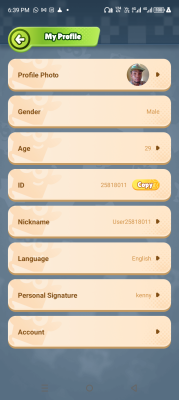
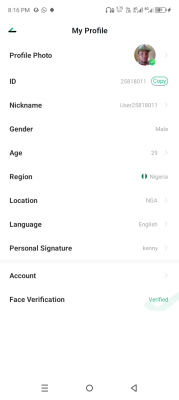
3. Go to My Profile immediately after signing up.
4. Complete your Face Verification before sending any proof.
⚠️ IMPORTANT: If you send proof without completing Face Verification first, I will reject your submission immediately. No exceptions.
5. Make sure your Face Verification status is successfully marked as "Verified".
6. Send a clear screenshot of your My Profile page.
✅ The screenshot must clearly show:
• Your User ID and Nickname
⚠️ Any fake proof, edited screenshot, reused account, or proof submitted without Face Verification will be rejected immediately.
NEW USERS ONLY. Follow all instructions carefully to avoid rejection.