How to Get More App Downloads & Reviews in Nigeria — GoJelly Campaign Guide (2026)
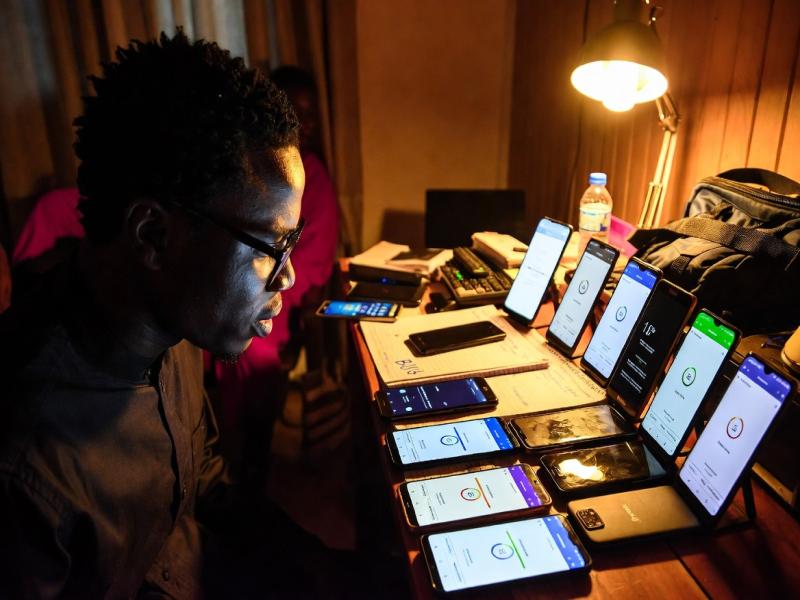
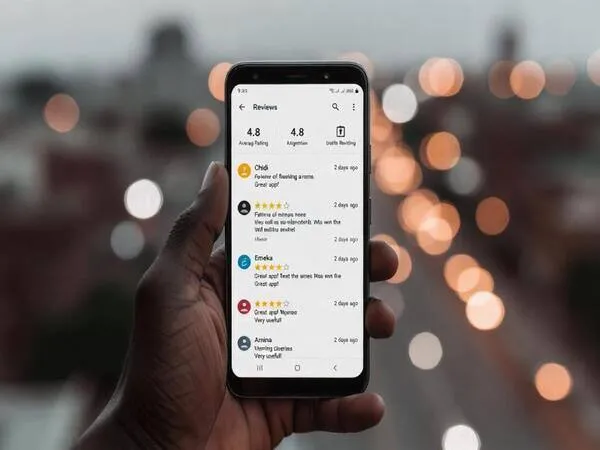
An app with 4.7 stars and 200 reviews converts at 3–5x the rate of one with 3.2 stars and 8 reviews. GoJelly delivers real Nigerian users who install your app, use it, and leave genuine detailed reviews — verified by screenshot proof, paid only on confirmation.
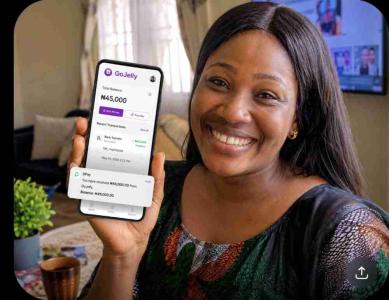
GoJelly (gojelly.com.ng) connects Nigerian app developers with real Nigerian users who install apps, use them, and leave genuine detailed reviews with screenshot proof. Pay only for verified live reviews via escrow. CAC Registered · RC/BN 9575863.
What Makes a Review Valuable to Google’s Algorithm
Not all reviews carry equal algorithmic weight. When you commission reviews through GoJelly, task design determines whether those reviews rank-signal strongly or weakly. Google Play evaluates reviews on five dimensions:
Copy-Paste Task Template for High-Quality Reviews
The key is giving workers enough guidance for quality without making all reviews identical. This template consistently produces detailed, diverse, algorithmically valuable reviews:
"Leave a detailed Google Play review for our app:
Step 1: Install [App Name] from Play Store: [link]
Step 2: Use the app for at least 10 minutes — explore the main features
Step 3: Go to the app’s Play Store page and tap ‘Write a Review’
Step 4: Give the app 5 stars
Step 5: Write a genuine review of at least 40 words — mention: (a) one specific feature you found useful, (b) how it compares to similar apps you’ve used, (c) who you’d recommend it to
Step 6: Screenshot your posted review clearly showing your star rating and the full review text
Important: Write in your own words. Do not copy anyone else’s review. Identical reviews will be rejected."
5-Batch Diversity Strategy
To ensure reviews look completely organic to Google’s algorithm and to real users reading your listing, post tasks in five separate batches with different review angle instructions. Each batch targets a distinct dimension of the app experience:
This produces review diversity that looks completely organic to both Google’s algorithm and real users reading your listing before installing.
Responding to Your Reviews for Ranking Signals
Always respond to every new review — Google measures developer responsiveness as a Play Store ranking signal. Responses also show potential users that your app is actively maintained. Keep responses brief and personalised to each review:
"Thank you [Name]! So glad the [feature they mentioned] is working well for you. We’re always improving — stay tuned for our next update!"
Responding within 24 hours of each review appearing maximises the responsiveness signal. For GoJelly campaign reviews, batch-check your Play Store console the morning after each task set completes and respond to all new reviews at once.
Start your app review campaign today — escrow-protected, screenshot proof required.
Post Your Campaign →The 100-Review Milestone: What Changes
Nigerian developers who cross 100 reviews on Google Play consistently report the same set of changes:
Also Run for Apple App Store
If your app is on iOS, run the same campaign for the App Store simultaneously. Specify "iPhone users only" in your task description. Apple App Store reviews work on the same principle — volume, recency, and detail all affect ranking and conversion rate. Running both campaigns in parallel gives your app strong social proof across both major platforms from launch.
Budget Calculator
| Reviews Target | Rate per Review | Total Budget | Timeline |
|---|---|---|---|
| 50 reviews | ₦500 | ₦25,000 | 3–5 days |
| 100 reviews | ₦500 | ₦50,000 | 7–10 days |
| 250 reviews | ₦500 | ₦125,000 | 2–3 weeks |
| 500 reviews | ₦450 | ₦225,000 | 3–4 weeks |
The 100-review campaign at ₦50,000 is the recommended starting point — it crosses the milestone that triggers Play Store category visibility while keeping budget manageable. Run the 5-batch diversity strategy across those 100 reviews (20 per batch) for maximum algorithmic value.
Frequently Asked Questions
Your app’s first 100 reviews are its most important. They determine whether it appears in search, whether users trust it enough to install, and whether the Play Store algorithm promotes it organically. GoJelly delivers real Nigerian users who install, use, and review your app — with screenshot proof before any payment releases from escrow. Start your campaign today.
Start Your App Review Campaign on GoJelly Today
Real Nigerian users. Screenshot proof. Escrow-protected. CAC Registered · RC/BN 9575863.