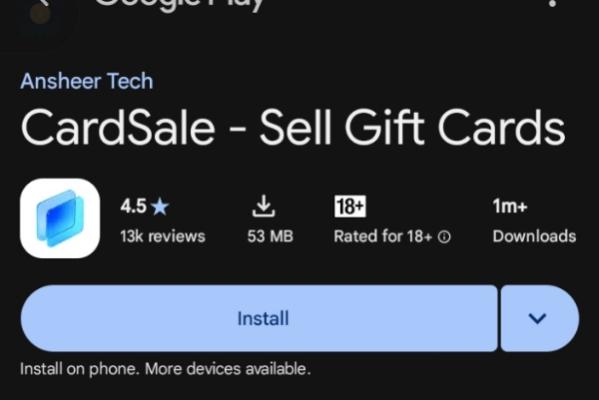
App Sign-Up: Download Cardsale & Claim ₦3,200 Bonus (New Users Only.
Download the Cardsale mobile app, create a new account using the required invite code, and claim your sign-up bonus. (⚠️ NEW USERS ONLY — If you have ever downloaded or installed this app before, DO NOT do this task, skip it immediately!)
Task Instructions (Read Carefully):
* Download the App:
* iPhone (App Store): [https://apps.apple.com/app/id6755528973](https://apps.apple.com/app/id6755528973)
* Android (Play Store): [https://app.cardsale.com/auth/?type=0&code=THRONE06](https://app.cardsale.com/auth/?type=0&code=THRONE06)
* Register Your Account:
* Open the app and tap the Settings icon at the bottom right corner.
* Click Sign Up (do NOT click Sign In).
* Choose Register with Email, enter your Gmail address, and tap the verification code button below the email field.
* Check your Gmail, enter the verification code in the box provided, and set your password.
* Input Invite Code (Mandatory for Payment):
* You will only be paid if you successfully use the official referral code.
* Enter the invite code: THRONE06
* Tick the agreement box at the bottom and click Sign Up.
* A pop-up will appear confirming your ₦3,200 welcome bonus.
Required Proof:
* Screenshot of the registration page showing the invite code THRONE06 filled in.
* Screenshot of your app dashboard showing the ₦3,200 bonus pop-up / balance.
* Your registered email address.
⚠️ Strict Rules:
> * New users only! Existing accounts or re-installs will be automatically rejected.
> * Submitting without the referral code THRONE06 or using fake/edited screenshots will result in immediate rejection, zero payment, and a permanent report.
>