Opay registration New User
OPAY ACCOUNT REGISTRATION TASK
IMPORTANT: PLEASE READ BEFORE STARTING!
Only accept this task if you are eligible and ready to complete all the steps below.
WARNING: Submissions that do not meet the requirements will not be approved for payment.
ELIGIBILITY REQUIREMENTS
You will NOT be paid if:
- You already have an OPAY account.
- Your phone number has previously been used by someone else to register an OPAY account.
STEPS TO COMPLETE
1. Download OPAY
Download and install the official OPAY app from your phone’s app store.
2. Enter Referral Code
When prompted during registration, enter my referral code:
9032815453
3. Register Your Account
- Sign up using a valid Nigerian phone number.
- Complete the required KYC verification using your NIN or BVN directly within the official OPAY app.
4. Recharge ₦100 Airtime
After successfully creating your new OPAY account:
- Fund your OPAY wallet.
- Recharge ₦100 airtime from your new OPAY account to your phone number.
- Ensure that the airtime purchase is successful.
IMPORTANT: The required transaction is specifically a ₦100 airtime recharge, not just transferring ₦100 into your OPAY wallet.
PROOF OF COMPLETION
To confirm that you have completed the task:
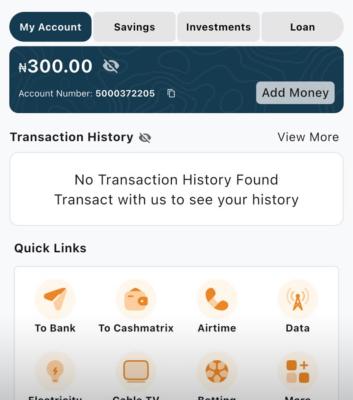
- Take a screenshot of your OPAY transaction history showing the successful ₦100 airtime recharge.
I will use these details to cross-check my OPAY referral records and confirm that you registered with my referral code and completed the task.
FINAL NOTICE
- You must register using referral code 9032815453.
- Existing OPAY users are not eligible.
- Your ₦100 airtime recharge must be successful.
- Incomplete or invalid submissions will not qualify for payment.
- Please read all instructions carefully before accepting the task.
IMPORTANT: Only click to accept the task when you are ready to complete all the requirements.
Thank you!