
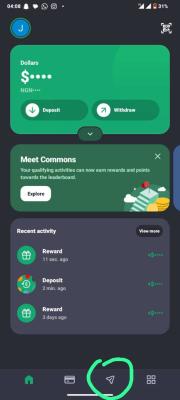
MINIPAY
STEP 1: Open my referral link
1. Click the MiniPay referral link below: [https://link.minipay.xyz/invite?ref=JmjFnV5J].
2. Follow the link's instructions to download Minipay or open MiniPay in Opera Mini that's only if you have.
3. Make sure you use my referral link before creating your account so that any available referral tracking can work.
STEP 2: Create your MiniPay account
1. Open MiniPay.
2. Follow the instructions to register with your phone number and Google account, as requested by the app.
3. Complete the account setup and any verification the app requires.
4. Set up your security PIN or other available security protection.
5. Open your wallet and make sure your account is ready to use.
STEP 3: Transfer the Referral Bonus $0.10 to my MiniPay
1. Open your MiniPay wallet.
2. Tap Send or the option for sending money to a friend.
3. Choose Transfer to Minipay Friends, which is instant and free.
4. Enter my registered MiniPay phone number: [08152153025].
5. Confirm that the recipient details belong to me.
6. Enter $0.10 as the amount.
7. Check the amount, recipient and any transaction fee displayed.
8. Confirm the transfer using your PIN, fingerprint or other required security method.
STEP 5: Confirm that the transfer was successful
1. Wait for the transaction to complete.
2. Check your MiniPay transaction history for the successful payment.
3. Send me a screenshot of the successful transaction if needed, hiding any sensitive information.
IMPORTANT: Only new users are allowed to perform this task, and make sure you followed the instructions carefully in other for you to get paid.