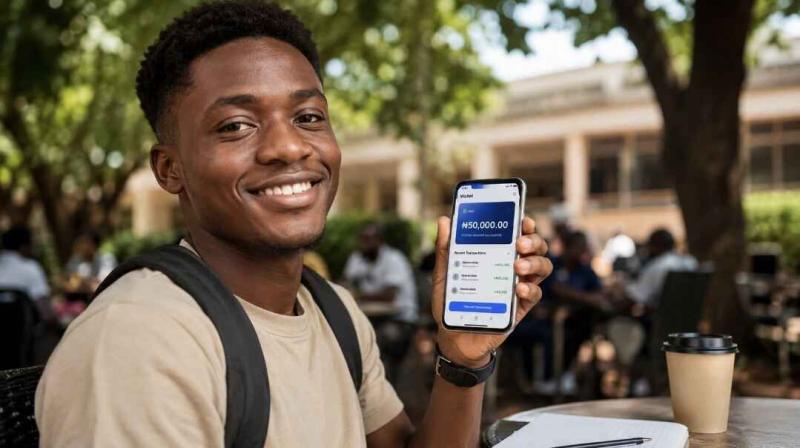
💳 Withdrawal Guide · Nigeria 2026
GoJelly Withdrawal Guide Nigeria 2026 —
How to Get Your Money Into Your Bank Account
Step-by-step guide to withdrawing your GoJelly earnings to any Nigerian bank — GTB, Access, Opay, Kuda, UBA, Zenith and more. Fast, safe, no hidden tricks.
By GoJelly Editorial Team · 8 min read · Updated June 2026
🚀 Start Earning & Withdraw Today →
⚡ Quick Answer
To withdraw from GoJelly: go to Dashboard → Withdraw, enter your Nigerian bank account details, select your amount, and submit. Payments are processed same day or next business day directly to your bank account. Minimum withdrawal applies. No PayPal, no crypto — naira only.
What You Will Learn
- How GoJelly Withdrawal Works
- Step-by-Step Withdrawal Guide
- Supported Nigerian Banks
- Withdrawal Fees & Minimum Amount
- How Long Does Withdrawal Take?
- Withdrawal Problems & Fixes
- Frequently Asked Questions
How GoJelly Withdrawal Works
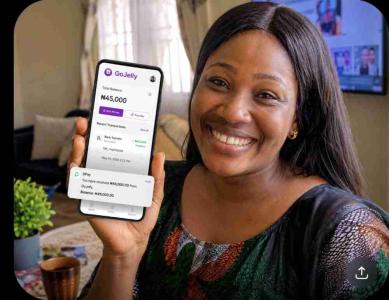
Every time a job poster approves your completed task proof, your earnings are added instantly to your GoJelly wallet. This wallet is your on-platform balance — it accumulates as you complete more tasks.
When you are ready to receive your money, you request a withdrawal — GoJelly transfers the amount directly from your wallet to your Nigerian bank account via bank transfer.
Same Day
Processing Speed
Any Bank
All Nigerian Banks Supported
Naira Only
No FX Conversion Needed
No Limit
Withdraw as Often as You Like
Step-by-Step Withdrawal Guide
1
Log In to Your GoJelly Account
Visit
gojelly.com.ng and log in with your email and password. Make sure you have a sufficient wallet balance above the minimum withdrawal amount.
2
Go to Your Dashboard
Click on your profile icon or navigate to Dashboard from the menu. You will see your current wallet balance displayed at the top.
3
Click "Withdraw"
Find the Withdraw button on your dashboard. This opens the withdrawal form where you enter your bank details and amount.
4
Enter Your Bank Account Details
Select your bank from the dropdown, enter your account number, and confirm your account name. Double-check these details — payments sent to wrong accounts cannot be reversed.
5
Enter Withdrawal Amount
Enter the amount you want to withdraw — must be above the minimum withdrawal threshold. The system will show you the amount after fees before you confirm.
6
Confirm & Submit
Review all details one more time, then click Submit Withdrawal. Your request is sent to GoJelly for processing.
7
Receive Money in Your Bank
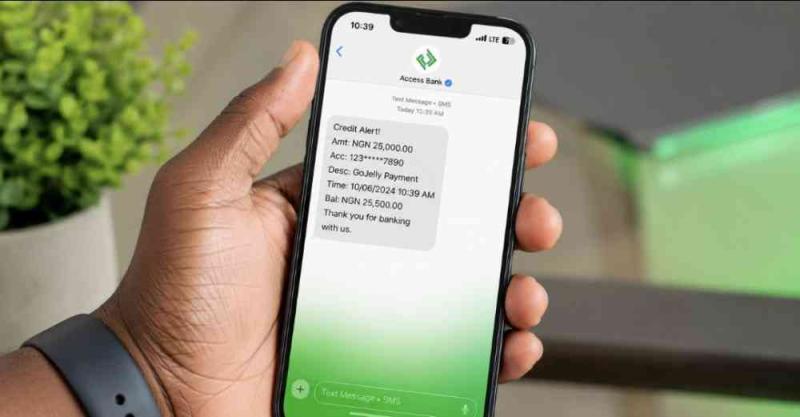
GoJelly processes withdrawals same day or next business day. You will receive an alert from your bank when the money arrives. Check your transaction history on GoJelly to track the status.
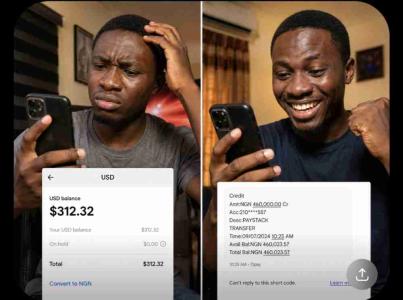
"I was nervous about my first withdrawal but the money hit my Access Bank account in less than 3 hours. Now I withdraw every Friday like clockwork." — Active GoJelly worker, Ibadan
Supported Nigerian Banks
GoJelly supports withdrawals to all Nigerian banks including traditional banks, digital banks, and mobile money wallets:
GTBank
Access Bank
Zenith Bank
UBA
First Bank
Opay
Kuda Bank
PalmPay
Moniepoint
Sterling Bank
Fidelity Bank
Polaris Bank
Withdrawal Fees & Minimum Amount
GoJelly charges a small processing fee on withdrawals to cover bank transfer costs. This fee is shown clearly before you confirm — no surprise deductions after the fact.
Important: Always check your current withdrawal minimum in your dashboard — it may be updated periodically. The minimum and fee are always shown on the withdrawal page before you submit.
✓ What you should know about GoJelly fees:
✓ Fee is shown before you confirm — no surprises
✓ Fee covers standard Nigerian bank transfer costs
✓ No monthly or annual subscription fees
✓ No fee for earning — only on withdrawal
✓ No minimum on how often you can withdraw
How Long Does Withdrawal Take?
Most GoJelly withdrawals are processed same day. Here is the typical timeline:
⚡
Submitted before 3PM weekdayProcessed same day — money arrives within 2–6 hours
🕐
Submitted after 3PM weekdayProcessed next business day — arrives by noon
📅
Submitted on weekends or public holidaysProcessed next business day
Withdrawal Problems & Fixes
❌ "Insufficient balance" error
Fix: Your wallet balance is below the minimum withdrawal threshold. Complete more tasks to build your balance, then try again.
❌ Withdrawal button not showing
Fix: Your account may be suspended due to fraud detection. Check your notifications — if suspended, wait for the suspension period to end before withdrawing.
❌ Wrong bank account entered
Fix: Contact GoJelly support immediately before the payment processes. If already processed to the wrong account, contact both GoJelly and your bank. Always double-check account number before submitting.
❌ Withdrawal pending for more than 24 hours
Fix: Check if it was submitted on a weekend or public holiday — these are processed next business day. If it has been over 48 hours on a business day, contact GoJelly support with your transaction reference number.
❌ Bank says "transaction failed" but balance was deducted
Fix: Wait 24 hours — failed transactions are automatically reversed to your GoJelly wallet. If not reversed after 24 hours, contact support with the transaction ID.
Tips to Withdraw Faster & Safer
🏦
Save Your Bank Details
Add your bank account to your GoJelly profile settings once — never retype it for every withdrawal.
⏰
Withdraw Before 3PM
Submit before 3PM on weekdays for same-day payment. After 3PM it moves to next business day.
✅
Verify Account Name
Always confirm the account name matches before submitting. GoJelly shows the account name automatically when you enter your account number.
📱
Use a Fintech Bank
Opay, Kuda, and PalmPay accounts often receive transfers faster than traditional banks during busy periods.
Frequently Asked Questions
How do I withdraw money from GoJelly?
Log in to GoJelly, go to your Dashboard, click Withdraw, enter your Nigerian bank account details and amount, then submit. GoJelly processes the payment same day or next business day directly to your bank account.
What is the minimum withdrawal on GoJelly?
GoJelly has a minimum withdrawal amount that must be reached before you can request payment. The current minimum is shown on your withdrawal page in the dashboard. Complete more tasks to build your balance above the minimum.
How long does GoJelly withdrawal take?
Most withdrawals are processed same day within 2–6 hours if submitted before 3PM on a weekday. Requests submitted after 3PM or on weekends are processed the next business day.
Does GoJelly charge withdrawal fees?
Yes, GoJelly charges a small processing fee on withdrawals to cover Nigerian bank transfer costs. The fee is shown clearly before you confirm your withdrawal — there are no hidden deductions. There are no fees for earning, registering, or using the platform.
Which banks does GoJelly support for withdrawal?
GoJelly supports all Nigerian banks including GTBank, Access Bank, Zenith Bank, UBA, First Bank, Opay, Kuda, PalmPay, Moniepoint, Sterling Bank, Fidelity Bank, and all other NIBSS-connected Nigerian financial institutions.
Can I withdraw GoJelly earnings to PayPal or cryptocurrency?
No. GoJelly only pays to Nigerian bank accounts in naira. This is by design — naira payments directly to your bank account means no FX conversion, no middleman, and no delays. It is the fastest and most direct payment method for Nigerian workers.
Ready to Start Earning & Withdrawing?
Free signup. Complete tasks. Withdraw to your bank. 20,000+ Nigerians already earning daily. CAC Registered · RC/BN 9575863.
gojelly withdrawal guide
how to withdraw from gojelly nigeria
gojelly payment withdrawal
gojelly bank transfer nigeria
gojelly minimum withdrawal
© 2026
GoJelly.com.ng — Nigeria's Micro-Job Marketplace · CAC Registered · RC/BN 9575863 · Built for Nigerians